
01
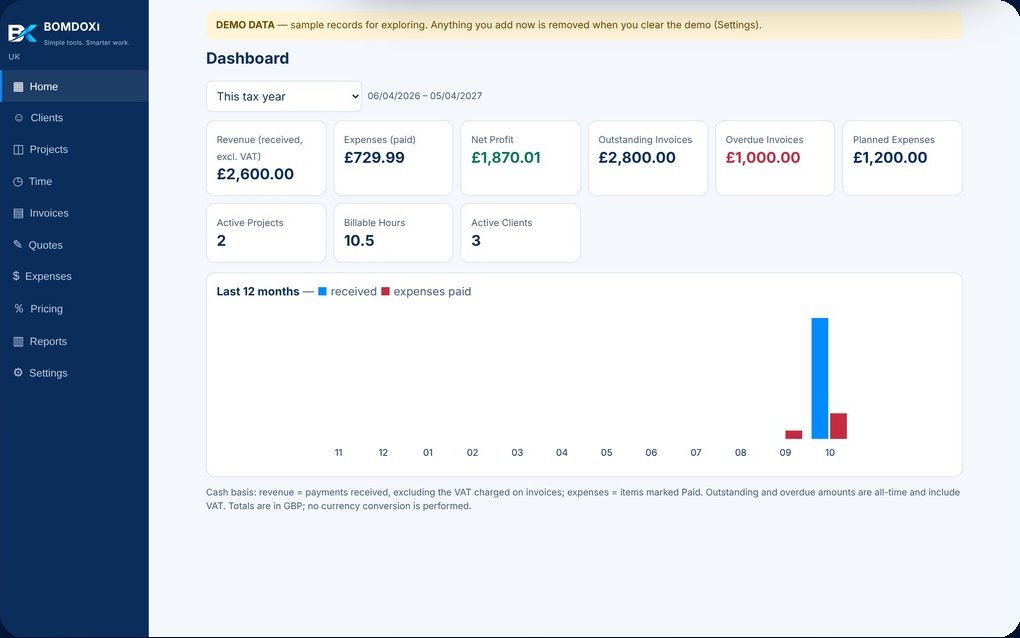
Dashboard
Revenue, expenses, net profit, outstanding and overdue invoices, billable hours and a 12-month chart.
The offline invoice and expense tracker for freelancers, contractors and small businesses in the US, UK and Australia. Create invoices and quotes, track clients, projects, time and expenses, and see your profit at a glance.
One app replaces the pile of spreadsheets: from the first quote to the profit report at tax time.
Revenue, expenses, net profit, outstanding and overdue invoices, billable hours and a 12-month chart.
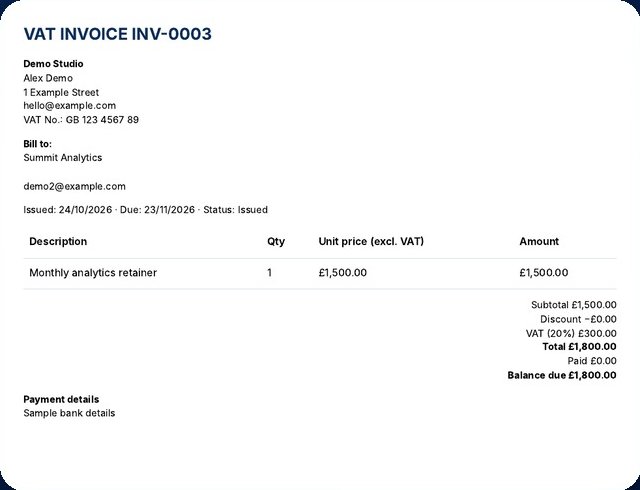
Multi-line invoices with discounts and tax, automatic numbering, partial payments, overdue tracking, PDF and CSV.
Proposals with a validity date. Turn an accepted quote into a draft invoice in one click.
Custom categories, paid or planned, linked to projects. Record VAT/GST included and reclaim it (UK/AU).
Budgets, deadlines, hours and billable rates, with estimated and realised profit per project.
Contact details, search, archive, and what each client has paid you.
Find the price that reaches your target margin after fees and estimated taxes.
Profit and loss, client revenue, expenses by category, project profitability and a tax summary.
The toolkit runs in your computer's web browser. Nothing is uploaded to a server, there is no account to create and no monthly fee to pay.
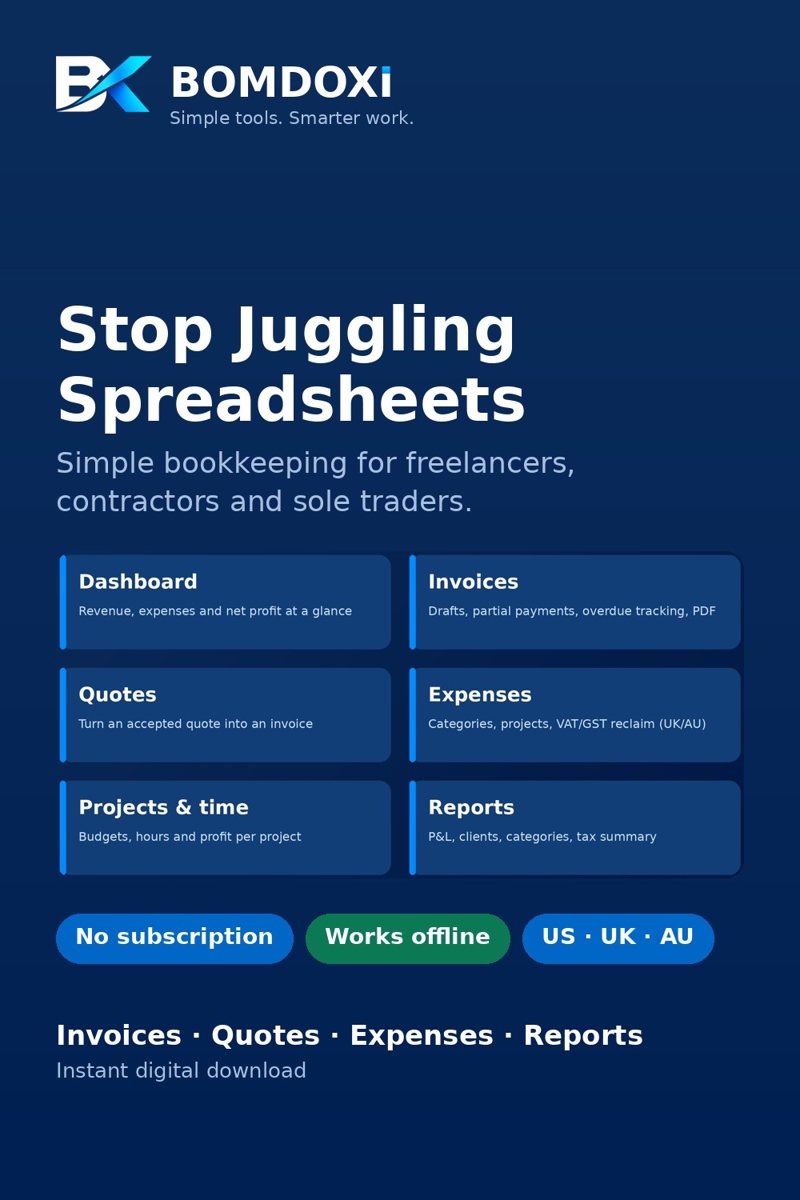
Pick your region the first time you open the app. Currency, tax wording, date format and financial year follow.
Purchase on Etsy or Payhip and download the ZIP instantly.
Open App > index.html in Chrome or Edge on your computer. No installation.
US, UK or Australia, then start adding clients, quotes and invoices.
We'd rather you know exactly what you're getting.
One-time purchase. Instant digital download. Includes the app, a Quick Start Guide, a User Manual and demo data.
Buy from whichever store you prefer. Prices are shown in your local currency at checkout.Download the ZIP from your purchase, unzip it, and open App > index.html in Chrome or Edge on your computer. No installation, account or internet connection is needed. A Quick Start Guide (PDF) is included.
Yes. Everything is stored in your browser on your own computer. Nothing is uploaded and there is no account or cloud. Use Backup & Restore to keep a copy or move your data to another computer.
No. It's a one-time purchase. You buy it once and keep using it.
The app runs in a desktop web browser. We recommend Chrome or Edge, which are available for both Windows and Mac. Automated testing was done in the Chromium engine (Chrome/Edge); other browsers have had less testing.
The app helps you issue invoices and track expenses, with sales tax, VAT or GST wording for your region. It is not accounting or tax software, and invoices are not guaranteed to meet every requirement. Check your obligations with an accountant or your tax authority.
Message us through the store where you bought it. If the app does not work on your computer and we cannot fix it, we offer a full refund within 14 days of purchase.